
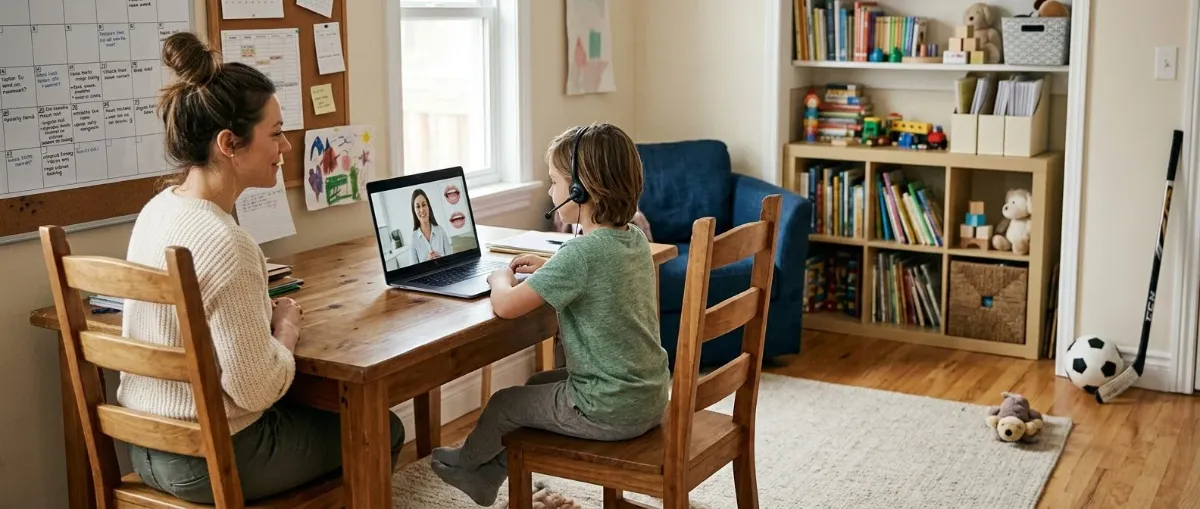
Why Your Setup Matters More Than You Think
You’re about to book your child’s first telehealth speech therapy session. Maybe you’re feeling a little nervous. Is my home setup good enough? Will the WiFi work? Do I need special equipment?
Here’s the truth: your setup doesn’t need to be perfect. But it does need to be functional. A few simple adjustments make the difference between a session that flows smoothly and one that feels frustrating.
The good news? You probably already have everything you need. This guide walks you through exactly how to set up your space for success.
The Device: What Actually Works Best
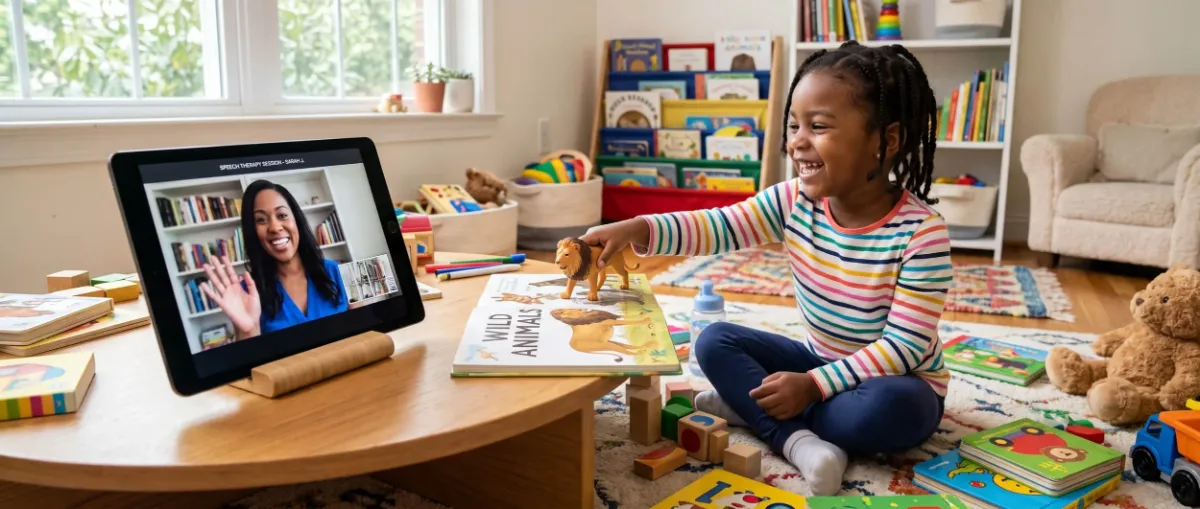
Let’s start with what you’ll connect on. You have options, and each has pros and cons.
Laptop (BEST for most families)
- Large screen size helps kids see the therapist clearly
- Built-in camera and microphone are usually good quality
- Stable on a desk or table
- Recommendation: position it at eye level
Tablet (GOOD if you don’t have a laptop)
- Portable, easier to move around your home
- Screen size is smaller, but still functional
- Works great for kids who need to show toys or move around
- Tip: use a stand to keep it stable; holding it gets tiring
Phone (not for children’s sessions)
- A phone is not the right tool for a child’s session
- Screen is too small for your child to see the therapist clearly
- Tempting to hold, which causes shaky video
- For a child’s session, please use a laptop or tablet. Adults can use a phone if needed
Bottom line: A laptop connected via WiFi is your sweet spot.
Before your first session
Your telehealth setup checklist
Internet: How Fast Is Fast Enough?
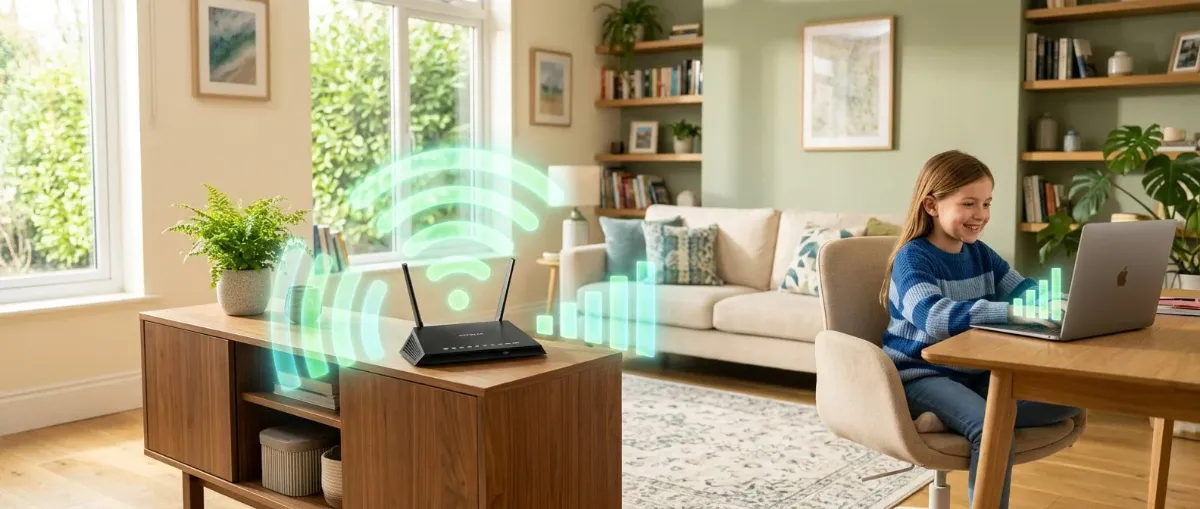
This is the question parents ask most: Will our WiFi be okay?
Most standard home internet (15–25 Mbps) works fine for video therapy. Here’s what matters:
- Position the router close to your therapy space: walls and distance weaken the signal
- Test your connection 5 minutes before the session: open a YouTube video and confirm it streams smoothly
- Close other apps and browser tabs: background downloads drain bandwidth
- Tell other household members: to minimize internet use during the session (streaming, gaming, work calls)
If your WiFi keeps dropping, move closer to the router or restart it 10 minutes before the session starts.
The Space: Quiet, Private, Distraction-Reduced
Your child needs to focus on the therapist, not on what’s happening around them.
The ideal space:
- Quiet (minimize background noise, no TV, barking dogs, or household commotion)
- Private (a separate room or corner is best)
- Comfortable temperature (not too hot or cold)
- Calm visuals (less clutter means fewer distractions)
Real talk: Your space doesn’t need to be perfectly silent or Instagram-worthy. A living room works. Your bedroom works. Even a quiet corner works. What matters is that your child can focus.
Lighting: Face the Window, Not Your Back to It
This one changes everything.
What to do:
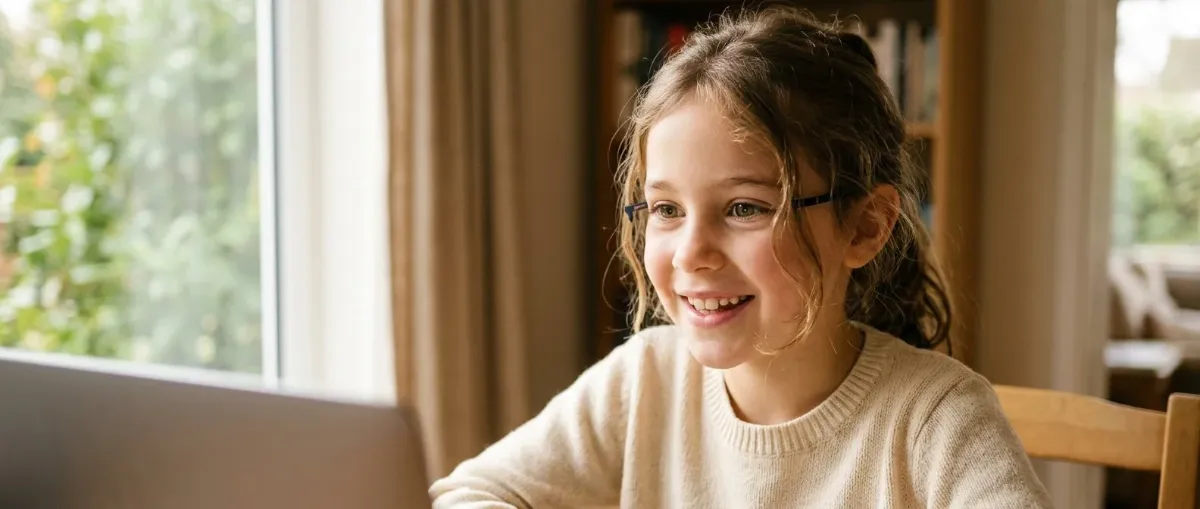
- Position the laptop so your child’s face is lit naturally (ideally from a window)
- Your child should face toward the light, not away from it
- This helps the therapist see your child’s mouth and facial expressions clearly — essential for speech therapy
What NOT to do:
- Don’t put the laptop with a bright window behind your child (creates backlighting and shadows)
- Don’t rely only on overhead lights (they create harsh shadows on faces)
- If it’s evening, turn on a soft lamp near the laptop
Natural window light is your best friend here.
For Kids: Have a Few Favorite Toys Nearby
Your child’s therapist will direct activities during the session. Sometimes they’ll ask your child to get a nearby toy.
What to have ready:
- 3–5 favorite toys within arm’s reach
- Things your child actually plays with (blocks, action figures, toy cars, stuffed animals)
- Nothing too loud or overstimulating
The therapist will know how to work with what you have. This isn’t about finding special toys — it’s about having access to familiar, engaging items your child loves.
What NOT to Do (Common Mistakes)
Don’t forget to silence notifications
- Phone buzzes, pings, and rings pull attention away
- Put your phone on silent before the session starts
Don’t sit between your child and the screen
- Your child needs a direct view of the therapist
- Sit beside or slightly behind your child instead
Don’t introduce too many new things
- Familiar environment = comfortable child
- Save the exciting setup for later sessions
Don’t worry about background mess
- The therapist isn’t judging your home
- Kids’ toys on the floor? That’s normal. You’re fine.
Don’t test the connection 30 seconds before the session
- Technical issues need time to solve
- Test 5–10 minutes early so you can troubleshoot if needed
You’re More Ready Than You Think
Here’s what we tell new families: you don’t need anything special. You need a device, internet, and a quiet spot. That’s it.
Everything else is just making that setup more comfortable and effective. And honestly? Most families do that naturally without overthinking it.
Your child is about to start therapy in an environment where they feel safe and comfortable — their own home. For many children, that makes learning easier.
You’re Ready for Your First Session
You have everything you need. A device. Internet. A quiet space. That’s it. Let’s get your child started with telehealth speech therapy from home.
Book Free ConsultationSherry Owais, M.A., CCC-SLP, is the founder of Oasis Speech and a licensed speech-language pathologist serving children and adults in Texas and Florida via telehealth.
Related: Online speech therapy for kids, online speech therapy in Austin, TX and more guides for parents and caregivers.



 Texas Medicaid and CHIP
 Community Plan (Medicaid)
 Step Up For Students