
How Telehealth Speech Therapy Works — A Step-by-Step Guide

Most parents picture something impersonal when they hear "online speech therapy." A child staring at a screen. A therapist waving through a pixelated video call. Activities that don't really land. A session that feels like a compromise.
That picture is almost always wrong.
Telehealth speech therapy when done well looks a lot like in-person therapy. It's engaging, structured, and effective. And for many families, it's actually easier to make happen consistently, which matters more than most people realize.
Here's exactly what it looks like, from the moment you log on to your session to the moment you log off.
What You Actually Need to Get Started?
Before we walk through a session, let's talk logistics. The barrier to telehealth is lower than most families expect.
You need three things:
✅ What You Need
That's it. No software to download. At Oasis Speech, we use TheraPlatform — a HIPAA-compliant telehealth platform built specifically for speech therapy. YYou log in, and your session begins.
A Session, Start to Finish
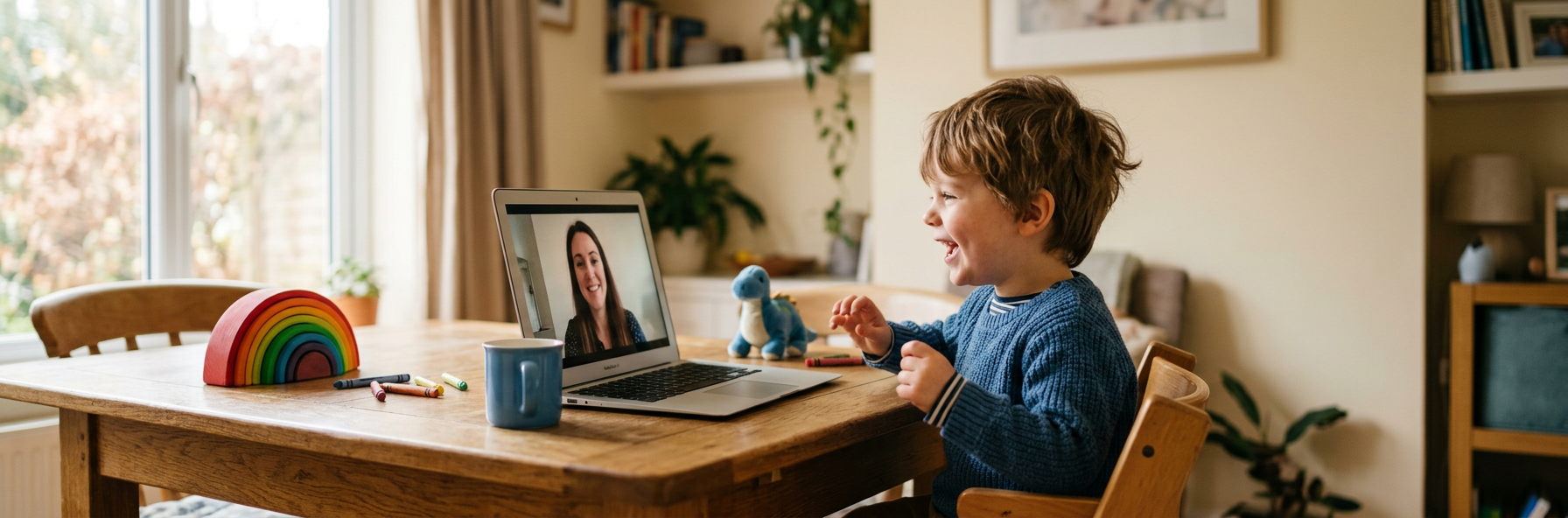
Here's what a typical Oasis Speech session looks like:
The First 2 Minutes: Logging In and Warming Up
You click your session link a minute or two before the scheduled start time. Your child's face appears on screen alongside your clinician. There's a quick greeting, something warm and familiar if you've had sessions before, something welcoming and playful if it's your first.
For young children, the session opens with a quick engagement activity: a favorite toy, a familiar song, or a simple game that gets them talking right away. The goal is simple: get your child comfortable and ready within the first two minutes.
The Middle 25–35 Minutes: The Real Work
This is where therapy happens. What it looks like depends on your child's goals and age, but the session is always structured and purposeful.
We use digital materials, interactive games, and activities shared directly through TheraPlatform's screen-sharing tools. Your child might be:
• Practicing specific sounds with fun repetition activities
• Playing a vocabulary game where they earn points for correct answers
• Following directions in a virtual obstacle course
• Telling a story about pictures on the screen
• Practicing fluency techniques during a conversation game
Throughout, your clinician is collecting data, tracking how many times your child produces a target sound correctly, whether they're using new vocabulary, how their fluency holds up under different conditions. This data guides every session going forward.
The Last 5 Minutes: The Parent Debrief
This is one of the most valuable parts of the session and one of the things that makes telehealth uniquely useful.
Because you're right there, your clinician can speak directly with you while your child winds down. She'll share what she noticed in today's session, what went well, and what to focus on before next time. You're not getting a summary email two days later. You're getting real-time feedback from your child's therapist while the session is still fresh.
How Kids Actually Engage Through a Screen?

This is the question parents ask most. Will my child actually pay attention? Will the activities hold their interest?
The answer, for most children, is yes, and here's why.
Children today are comfortable with screens. A friendly face on a laptop is not strange to them. What makes it work is the therapist's skill: your clinician uses activities specifically designed for telehealth, maintains energy and engagement throughout, and uses TheraPlatform's built-in tools, virtual manipulatives, games, and interactive boards to make sessions feel interactive rather than passive.
Research supports this. Studies published in the American Journal of Speech-Language Pathology have found that children's engagement and attention during telehealth sessions is comparable to in-person sessions when the therapy is structured and age-appropriate.
What Parents Do During the Session?
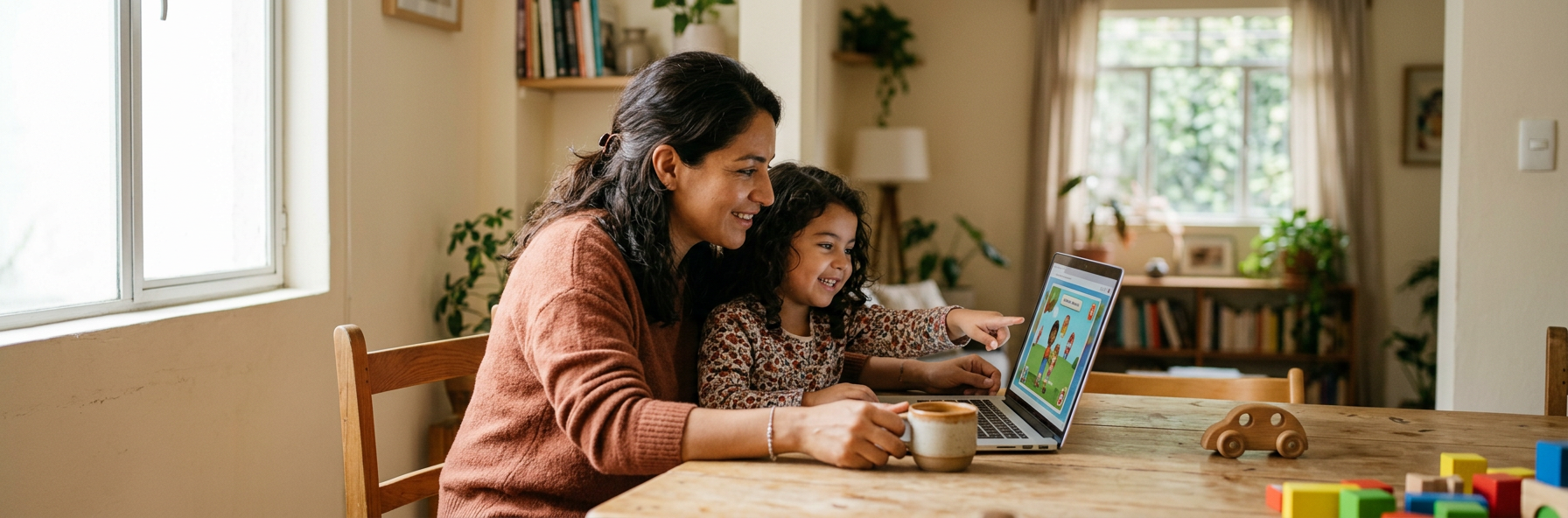
Your role during a telehealth session is one of its biggest advantages over in-person therapy.
In a traditional clinic setting, you're usually in a waiting room while therapy happens behind a closed door. You might get a brief summary at the end.
In a telehealth session, you're present. You can watch how your clinician models a technique. You can hear the exact language she uses. You can see what works to motivate your child and what doesn't.
This matters because home practice is where real progress happens. Therapy sessions are 30–45 minutes, once or twice a week. The rest of your child's waking hours are with you. When you understand the strategies, you can carry them into daily life, at dinner, in the car, and during bath time. That's how outcomes accelerate.
Home Practice: What You Leave With?
At the end of every session, you'll receive a home practice plan. This isn't a stack of worksheets. It's a simple, specific set of activities, usually 2 or 3, that you can work into your everyday routine.
Depending on your child’s goals, your clinician may upload resources through TheraPlatform so you always have them in one place. They're tied directly to what your child worked on in session, so you're reinforcing the same targets rather than introducing new ones. Families who do home practice consistently see results faster.
Telehealth vs. In-Person: A Quick Comparison
| ✅ Telehealth — Oasis Speech | 🏥 Traditional In-Person |
|---|---|
| ✓No travel time | →Requires driving to a clinic |
| ✓Session in your home environment | →Unfamiliar clinic setting |
| ✓Parent watches and learns in real time | →Parent often waits outside |
| ✓Flexible scheduling — evenings and weekends | →Often limited to clinic hours |
| ✓HIPPAA-compliant, secure platform | →HIPPAA-compliant, in-person |
| ✓Comparable outcomes for most goals* | →Comparable outcomes for most goals* |
*Source: American Journal of Speech-Language Pathology, 2021. See our full research breakdown in Week 6 — Is Online Speech Therapy as Effective as In-Person?
Common Questions
What if my child won't sit still?
This is very common with toddlers. Your clinician is experienced in keeping young children engaged, movement breaks, short activity rotations, and playful pacing all help. Most families find that within a few sessions, their child settles into the routine.
What if the internet drops?
It happens occasionally. Your clinician will reconnect immediately. If the connection is consistently unstable, she can advise on simple fixes — like moving closer to your router or switching to a wired connection.
Is my child too young for telehealth?
Oasis Speech works with children as young as 18 months via telehealth. For very young children, a parent is actively involved during the session, you become the "hands" while your clinician coaches and guides in real time.
Ready to See What a Session Feels Like?
Book a free consultation and we'll walk you through everything. Evaluations completed within one week.
Book Your Free Consultation →CONTINUE READING
→ Is Online Speech Therapy as Effective as In-Person? What the Research Says (Week 6 Blog)
→ Explore Our Services at Oasis Speech (Our Services Page)
